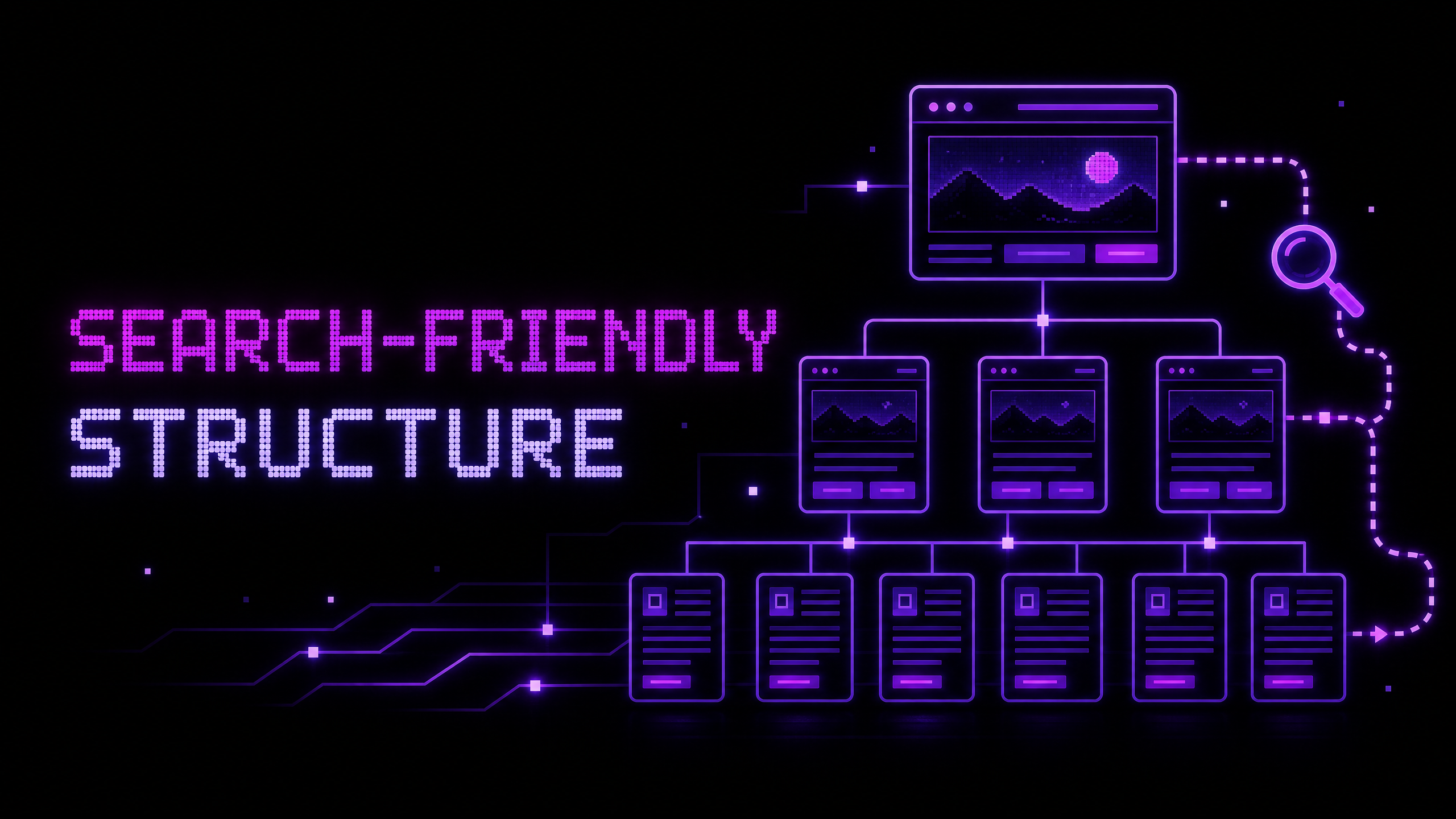
How to Create a Search-Friendly Website Structure
A search-friendly website structure is not a collection of tricks designed only for crawlers. It is a clear organization of pages, content, navigation, links, and technical signals that helps both people and search engines understand what a website contains.
Google Search Central describes SEO as helping search engines understand content and helping users find a site and decide whether to visit it. Its guidance also makes clear that no technique guarantees a first-place ranking. The practical goal is to create a site that is useful, accessible, understandable, and technically discoverable.1
1. Start with user tasks and business priorities
List the questions visitors ask and the actions the business wants them to take. A web-development portfolio may need visitors to understand services, review projects, learn about the developer, and make contact. An online store may need visitors to browse categories, compare products, read delivery information, and purchase.
These tasks should shape the page structure. Do not begin with a list of keywords and force every phrase into a page. Begin with the information visitors genuinely need, then describe that information using language they understand.
2. Build a logical page hierarchy
A small service website might use the following structure:
Home
├── About
├── Services
│   ├── Web Development
│   ├── E-commerce Development
│   └── SEO Optimization
├── Projects
├── Blog
└── Contact
An online store may organize content around product categories, subcategories, product pages, support pages, delivery, returns, and account features. The exact structure depends on the catalog and user behavior, but related pages should be grouped in a way that makes sense to a new visitor.
Avoid creating many pages simply to target small keyword variations. Every page should have a distinct purpose, useful content, and a reason to exist.
3. Use descriptive titles, headings, and URLs
The title of a page should identify its subject clearly. The main heading should match the page’s purpose, and subheadings should divide the content into understandable sections. URLs should be short, readable, and stable where possible.
For example, /services/ecommerce-seo communicates more than /page?id=17. A title such as “E-commerce SEO Services” is more useful than “Welcome to Our Website.” Clear language helps visitors decide whether they are in the right place.
Do not repeat keywords unnaturally. Google states that keyword stuffing violates its spam policies and that the keywords meta tag is not used for ranking.1 Write for the visitor first and make the topic clear through the page’s overall content.
4. Use semantic HTML
Semantic HTML gives content and controls a meaningful structure. Use headings for headings, paragraphs for text, lists for grouped items, nav for navigation, article for a self-contained article, and footer for footer information. Use real buttons for actions and real links for navigation.
MDN explains that well-structured text, clear language, logical page sections, and semantic controls support accessibility. It also notes that native controls provide expected keyboard behavior more reliably than recreating controls with generic div elements.2
Semantic structure is not a ranking shortcut. It is a foundation for maintainability, accessibility, and clearer interpretation of page content.
5. Create useful internal links
Internal links connect related pages and help visitors continue their journey. A blog article about responsive website performance can link to an article about technical launch checks, a web-development service page, and a relevant project.
Use descriptive anchor text that tells the visitor what they will find. “Read the technical SEO checklist” is more useful than repeatedly using “click here.” Google’s SEO guidance recommends crawlable links and appropriate anchor text.1
Internal links should be natural and useful rather than added to every sentence. Review important pages for orphaned content that has no meaningful path from the rest of the site.
6. Handle images and alternative text correctly
Images can improve understanding, but they need meaningful implementation. Use descriptive alternative text when an image communicates information. If an image is purely decorative, an empty alt attribute can prevent assistive technology from reading unnecessary content.
Use readable filenames and captions where appropriate, but do not treat filenames or alt text as a place to insert a list of keywords. Optimize image dimensions and delivery so that visual content does not make the page unnecessarily slow.
7. Add breadcrumbs and supporting signals where appropriate
Breadcrumbs can help visitors understand where they are within a site, especially on stores, documentation sites, and content libraries. They should reflect the actual hierarchy and remain useful on small screens.
Other technical signals may include XML sitemaps, robots directives, canonical URLs, redirects, structured data, and appropriate metadata. These tools solve different problems. A sitemap does not replace internal links, and structured data does not guarantee a rich search result. Implement each signal because it accurately describes or supports the site—not because it sounds like an SEO requirement.
8. Avoid common structural problems
Watch for orphan pages, duplicate URLs, multiple versions of the same content, navigation labels that mean different things in different areas, overly deep paths, broken links, and category pages with no useful content.
E-commerce sites should pay special attention to filters and faceted navigation. A filter may help users browse without every filter combination needing to become a separate indexed page. The correct handling depends on the catalog, search behavior, and technical setup.
9. Validate the structure with users and tools
Review the site map with someone who was not involved in creating it. Ask them to find a service, product, project, policy, or contact method without explanation. If they cannot predict where information belongs, the structure may need revision.
Use browser inspection, link checks, accessibility testing, Search Console, analytics, and crawl reports where appropriate. Google recommends checking whether it can see a page the same way an average user does and using tools such as URL Inspection when debugging discovery and indexing concerns.1
Example: a portfolio blog structure
For a developer portfolio, a useful content relationship may look like this:
Web Development Service
├── Responsive business website article
├── Website development process article
└── Portfolio case study

E-commerce Service
├── Product-page checklist
├── Product-description guide
└── E-commerce project case study

SEO Service
├── SEO basics guide
├── Technical launch checklist
└── Monthly store SEO checklist
This structure gives visitors several ways to move from education to evidence and then to contact. It also creates topic relationships without forcing every article to target the same phrase.
Conclusion
A search-friendly website structure begins with user tasks, clear page purposes, logical navigation, semantic content, useful internal links, descriptive metadata, and responsible technical implementation. It does not guarantee rankings, but it gives users and search engines a clearer path through the site.
If your website has grown difficult to navigate or you are planning a new structure for a business or online store, contact Muhammad Rutaab Ali to discuss web development and SEO support.
Related articles
- How to Build a Fast and Responsive Business Website
- How to Write Product Descriptions That Help Customers Buy
- How to Organize Product Categories for Better SEO and User Experience
- On-Page SEO Explained with a Real Web Page Example
- Technical SEO Checks to Perform Before Launching a Website